Databases
A managed PostgreSQL or Valkey instance that lives inside your project, backed up on a schedule, and reachable from your apps by name.
On this page
What it is
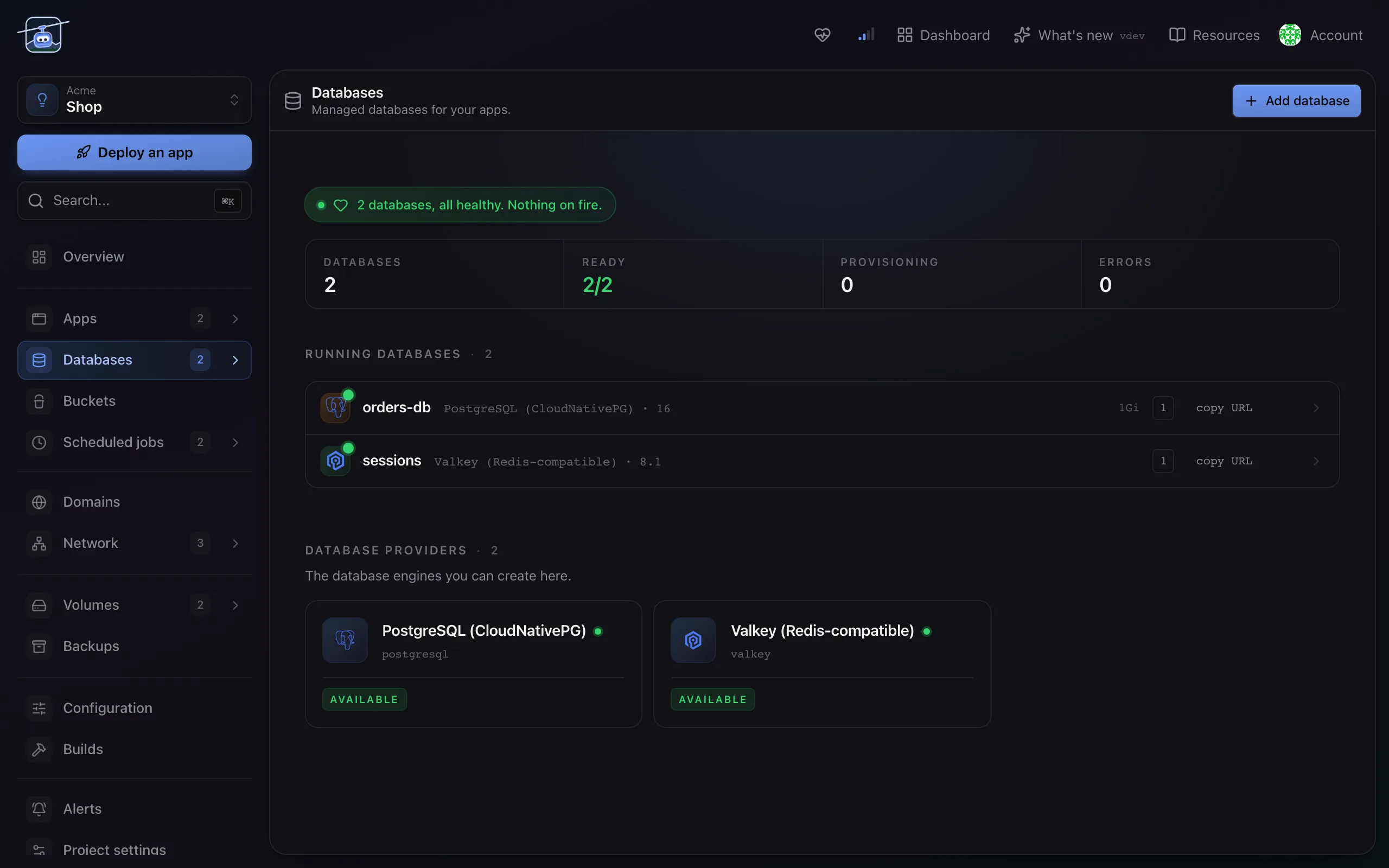
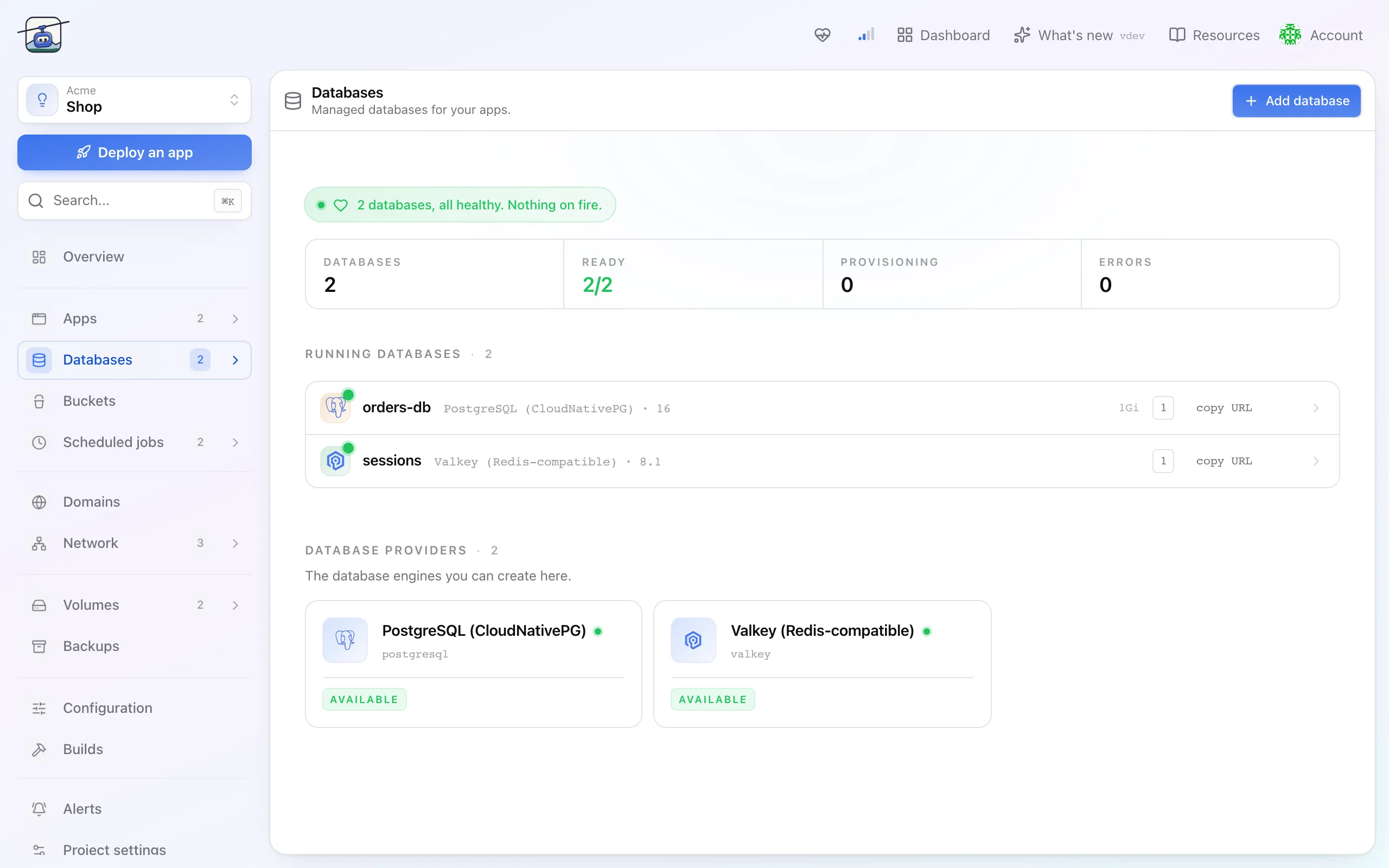
A database in klickops is a managed instance you create from the Databases page of a project. klickops runs it, watches it, takes the backups, and patches it once you turn on automatic updates. You get a connection string and a console. Nothing about it lives outside the project, so deleting the project deletes the database with it.
Two engines are available today. PostgreSQL is the full-featured one, with replicas, connection pooling, extensions, and point-in-time restore. Valkey is a single instance for caches, sessions, and queues, either a cache that keeps nothing on disk or a data store persisted to a volume, with no replication and no backups by design.
When you'd use it
- Your app needs a database and you would rather not operate one.
- You want connection details injected into the app instead of pasted into a secret by hand.
- You are moving off a hosted provider and want the data where your project is.
A database belongs to one project. Apps in another project cannot reach it, and no firewall rule opens that path, so put the apps that use it in the same project. A database cannot be moved between projects after it is created.
Create a database
- Open your project, go to Databases, then Add database.
- Pick the engine. Choosing PostgreSQL fills in the defaults below; choosing Valkey switches to the cache defaults and drops the backup step.
- Set the size. Storage is a slider with your plan's ceiling drawn on it. CPU and memory follow the size you pick and can change later without data loss.
- Decide how many instances. PostgreSQL starts at three, one primary and two replicas, which is what lets it survive losing a node. Drop it to one for a development database, and the cost drops with it.
- Choose a backup destination. With the default Production preset, daily backups are on and the wizard will not finish without a bucket to write them to; Staging and Dev start without backups.
- Create. The instance is usually ready in under two minutes, and the page shows the phase while it comes up.
Connect an app to it
Open the database, click Connect to app, and choose the app. klickops writes the host, port, database name, user, and password into the app as a binding, so you never paste credentials by hand.
The credentials sit on that tab if you need them locally, and reading them needs editor access: they include the live password, so a viewer sees the rest of the database but not its connection details. The password stays masked until you reveal it, and the API never returns it in a list response.
# one query through klickops, no local postgres client needed
klops db query orders-db --project shop -- "select count(*) from orders"
Operating it day to day
Every database opens on Overview, and the tab strip is the whole surface. Valkey shows a shorter one: it has a command console instead of a SQL editor, and no backups tab.
| Tab | What lives there |
|---|---|
| Connect | Credentials, app bindings, connection pooler |
| Query | Run SQL against the instance, one statement at a time. Valkey shows a command console |
| Browse | Tables and rows: create or drop tables, and edit, add or delete rows in tables with a primary key |
| Data & backups | Schedule, restore points, dump import and export |
| Storage | Grow the volume. Storage grows and never shrinks |
| Updates | Minor patches and major version upgrades |
| Metrics | Connections, cache hit rate, disk, CPU |
| Logs | Instance logs, live and historical |
| Advanced | Tuning: server parameters picked from a workload profile. Extensions, TLS and client access rules are set with klops databases or the API |
Settings reference
| Setting | Default | What it does |
|---|---|---|
| Version | PostgreSQL 16, Valkey 8.1 | Pre-picked so the name is the only field you must fill in. Minor patches install on their own once you turn on automatic updates on the Updates tab; a major version change is an explicit upgrade with a plan you approve first. |
| Storage | 10 GB for PostgreSQL | Volume size. Grows online, never shrinks. Your plan's ceiling is drawn on the slider. A Valkey cache has no disk; a Valkey data store starts at 1 GB. |
| Instances | 3 for PostgreSQL, 1 for Valkey | Three nodes is the default: one primary, two replicas, automatic failover. A single instance costs a third as much and cannot survive a node failure. |
| Connection pooler | off | Puts PgBouncer in front of the instance. Turn it on when you have more clients than connections. |
| Backups | on, daily at 02:00 UTC, 30 days | PostgreSQL only, on with the Production preset, and it needs a destination bucket before it can run. Set up later from Data & backups, retention starts at 7 days. Write-ahead logs are kept too, so you can restore to any second inside the window. Valkey has no backups at all. |
| Extensions | none | PostgreSQL extensions such as postgis or pgvector, installed with klops databases extensions install. Only the few that preload a library, such as pg_stat_statements, restart the instance. |
| Parameters | engine defaults | Tuned from a workload profile on the Advanced tab. A few, such as shared_buffers and max_connections, restart the instance, and the button says Apply & restart before you commit. |
| TLS | on, self-signed | Every instance serves TLS with its own certificate, but clients are not forced to use it. Bring your own certificates with klops databases tls. |
| Update policy | manual | Whether klickops installs minor patches for you, or only tells you one is available. |
Limits and gotchas
- Storage only grows. There is no shrink. Size for a year, not for a decade.
- Valkey has no backups. A cache keeps nothing on disk, so treat it as disposable. A data store survives restarts on its own volume, but nothing copies it anywhere else.
- PostgreSQL backups need somewhere to go. Nothing is written until you point them at a bucket.
- Major upgrades are one way. The plan shows what changes, and the upgrade refuses to start without a successful backup from the last 24 hours. There is no downgrade afterwards.
- The instance is not reachable from the internet. Apps in the same project reach it by name; nothing outside the project can.
Deleting a database deletes its volume and its backups. The dialog asks you to type the database name because there is nothing to undo afterwards. Export a dump first if you are unsure.