Plans and costs
What you are charged for, where to see it, and how the plan's limits relate to the bill.
On this page
What it is
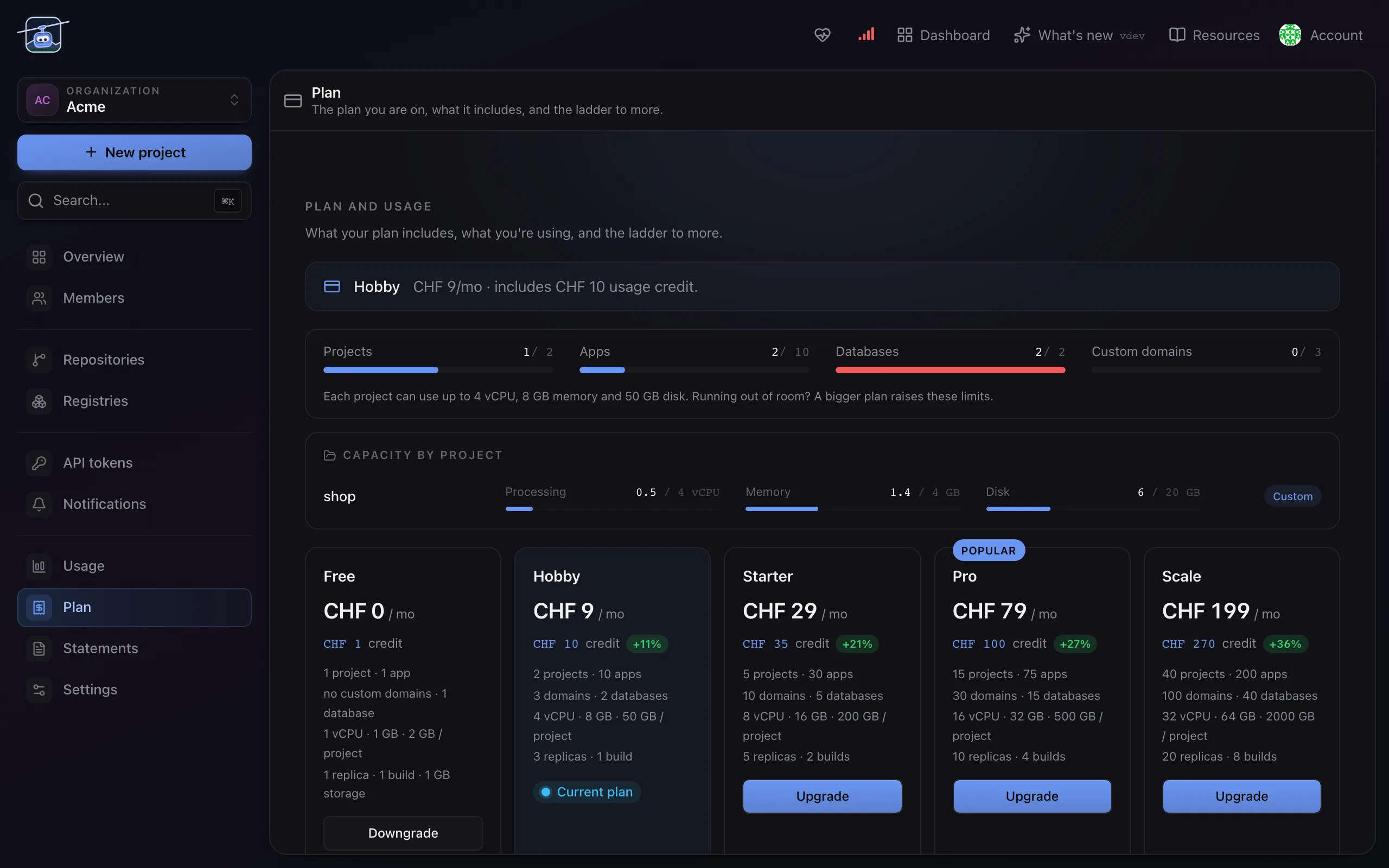
A plan sits on the organization. It sets the limits, and it includes an amount of credit each month. What you actually run is metered against that credit, and anything beyond it is billed.
Usage above the included credit is paid from a prepaid balance. Admins request a top-up or a bigger plan from Usage or Plan, and it applies once the payment is confirmed; a promo code applies at once. A move to a cheaper plan takes effect on the first of the next month. If credit and balance both run out, the organization gets 48 hours, then its workloads pause until there is credit again.
Two numbers matter and they are different questions. Limits answer "may I create this", and they are enforced on the form. Usage answers "what is this costing", and it accumulates while things run.
What is metered
| Metered | How |
|---|---|
| Compute | CPU and memory actually used by your workloads, over time |
| Storage | The size of the volumes and databases you have provisioned |
| Object storage | The bytes stored in your buckets |
| Protected storage | Every volume in a project, counted again while the project has a backup schedule or recovery points left, because keeping copies costs more than keeping one |
| Builds | CPU and memory your builds use while they run |
A workload scaled to zero stops costing compute and keeps costing storage. That is the cheapest way to park something you are not ready to delete.
Where to look
- Usage shows the current month: credit included, credit used, what is projected, broken down by project and by workload, so a surprise has an address.
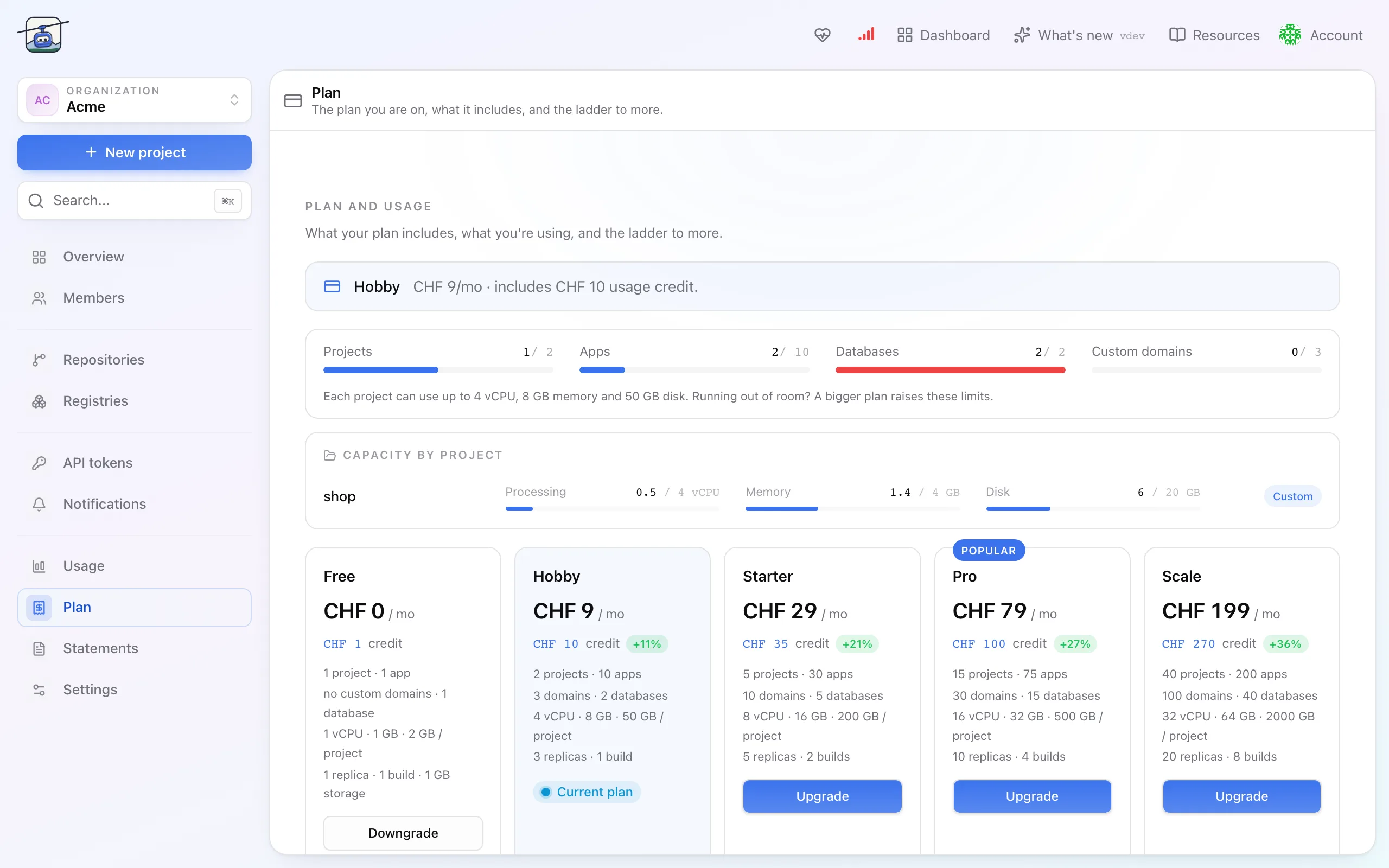
- Plan shows the plan you are on, what it includes, and the plans above it.
- Statements is the history, kept indefinitely, so last March is still there.
Limits and the plan
Every plan caps the same things: how many projects, apps and databases, how many replicas per app, how many custom domains, and how much CPU, memory and disk a single project may reserve in total. On paid plans an app can still use spare CPU beyond that; memory stays capped.
Hitting a limit is a refused create with a message naming the limit, not a silent failure and not a surprise on the invoice. The free plan is deliberately small: one project, one app, one database, one replica each.
Limits are checked when you create, so a plan downgrade does not switch anything off. What is already running keeps running, and you will not be able to create more until you are back under the limit.
Settings reference
| Setting | Where | What it does |
|---|---|---|
| Plan | Plan | Sets every limit and the included credit. |
| Credit | Usage | Included monthly, consumed by usage before anything is charged. |
| Project capacity | Plan | How much CPU, memory and disk each project may reserve. Set by the plan; a bigger plan raises it for every project. |
Limits and gotchas
- Storage bills whether or not it is used. A 100 GB volume that holds 2 GB costs 100 GB, because the space is reserved for you.
- Backups are storage too. While a project has backups, its volume storage is billed a second time at the backup rate, which is why they are off by default.
- Deleting is the only way to stop storage costs. Scaling to zero stops compute only.
- Every member sees the bill. Usage, Plan and Statements are open to the whole organization; changing the plan is for admins and owners.
Related
- Organizations, projects, workloads for what the plan applies to.
- Members and roles for who may change the plan.