Scheduled jobs
A container that runs on a schedule, does its work, and exits.
On this page
What it is
A scheduled job is a container klickops starts on a timetable. It runs, finishes, and goes away until the next time. Each start is a run, with its own exit code and its own logs kept for as long as you ask.
This is the counterpart to an app. An app is expected to stay up and gets restarted when it exits; a job is expected to exit, and staying up is the failure.
When you'd use it
- A nightly export, invoice run, or cleanup.
- A recurring fetch from somebody else's API.
- A migration you want to run on a timer rather than by hand.
Work that should happen in response to something, rather than at a time, is not a scheduled job. A queue consumer that must always be listening is an app.
Create one
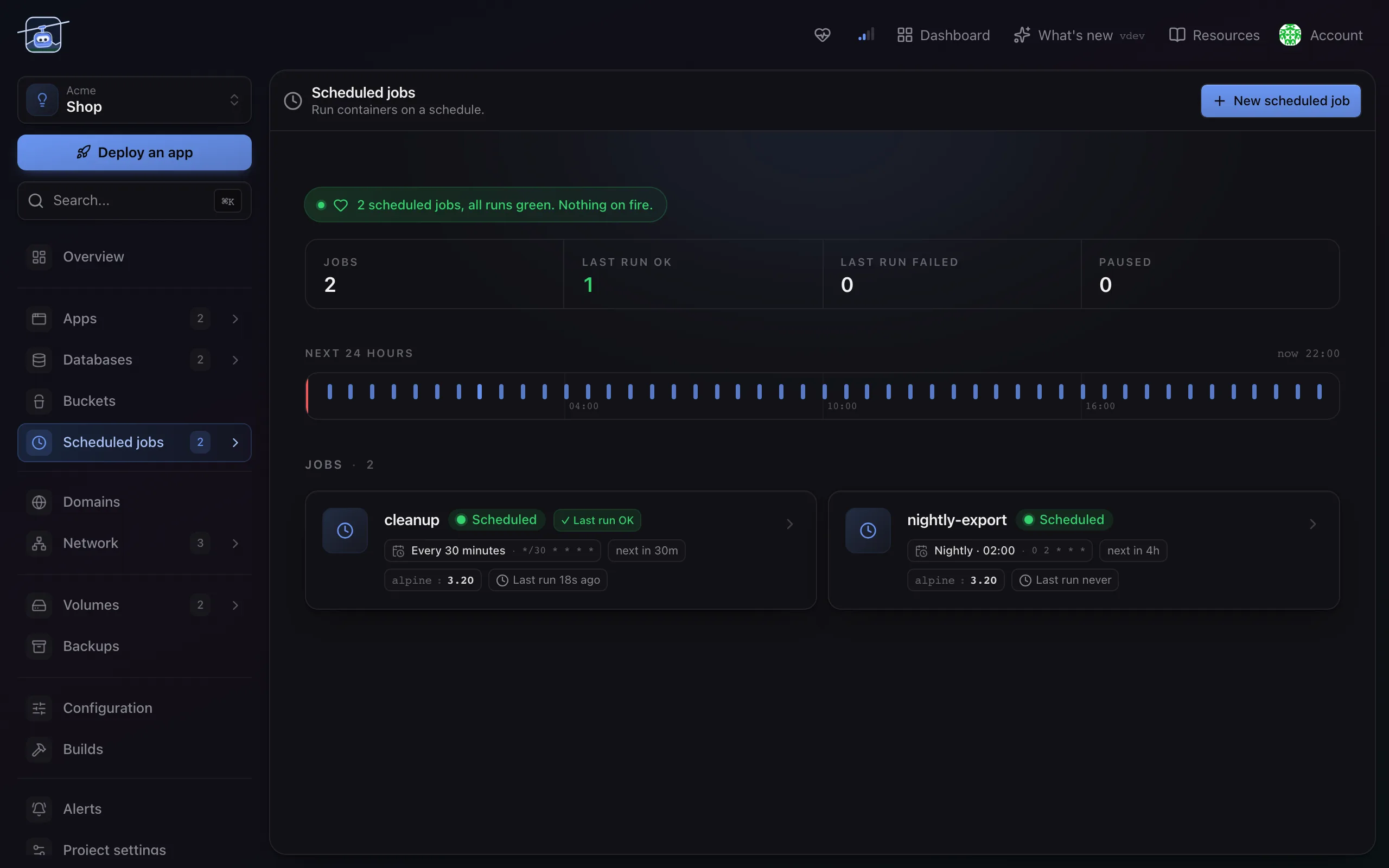
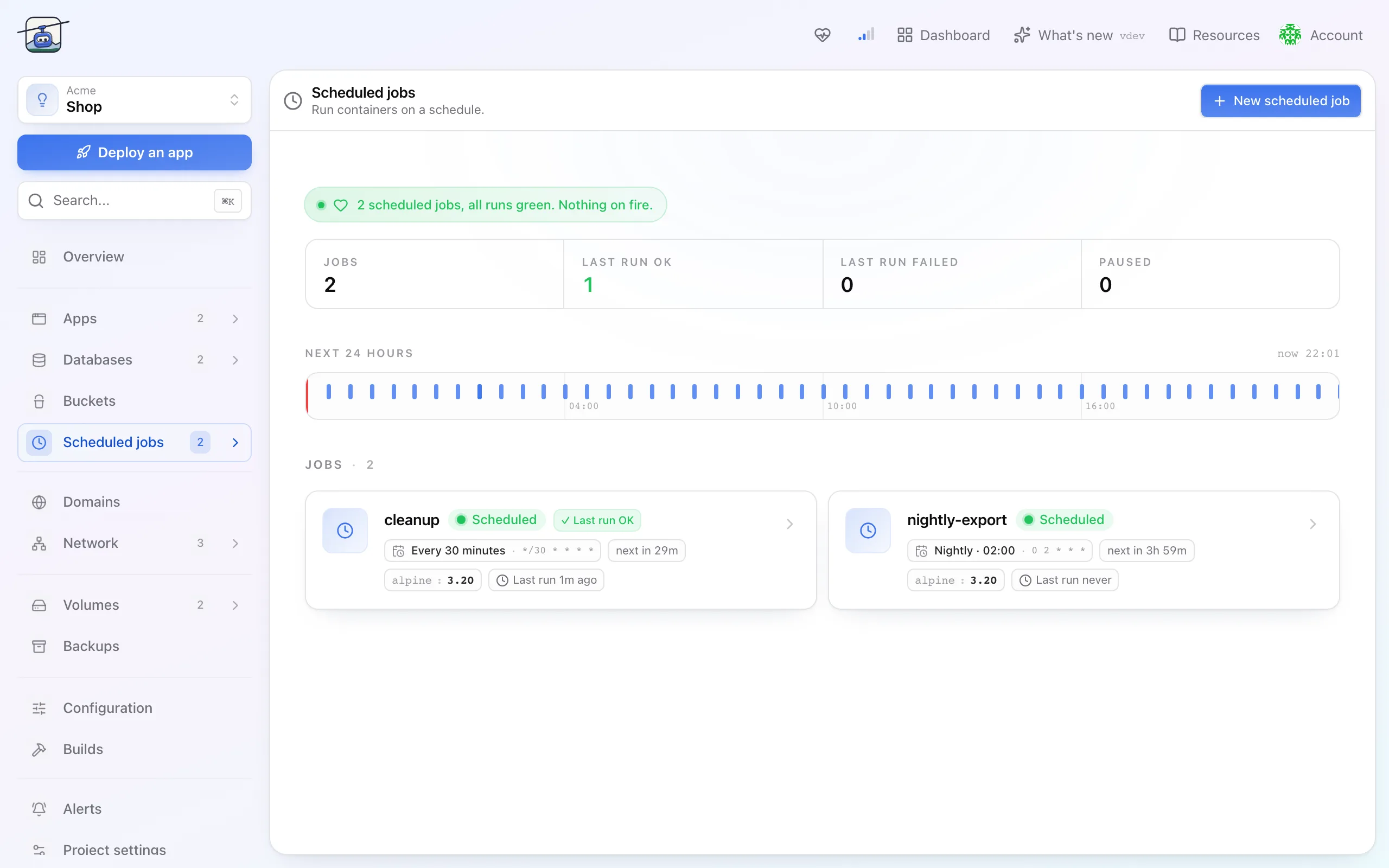
- Open the project, go to Scheduled jobs, then New scheduled job.
- Give it a name and the image to run. A command is optional; without one the image's own entrypoint runs.
- Set the schedule. It is a cron expression, and the default
0 * * * *means the top of every hour. The form spells the expression out in plain language, and the job's Schedule tab later lists its next runs, so you can check the expression means what you think. - Leave resources on automatic unless you know the job is heavy.
- Create. The job appears with its next run time and waits.
Watching it
Open the job and the Runs tab lists every start with its result and duration. Each run keeps its own logs, which is the difference between "it failed" and knowing why.
You can also start a run by hand with Run now whenever the job is not paused. That runs the job immediately without touching the schedule, which is how you test the thing before trusting it to a timer.
Settings reference
| Setting | Default | What it does |
|---|---|---|
| Schedule | 0 * * * * | Cron expression. Hourly by default. |
| Timezone | UTC | Which clock the schedule follows. Set it, for example to Europe/Zurich, if your job cares about local midnight. |
| Concurrency | Allow | What happens when a run is still going and the next is due. Forbid skips it, Replace kills the old one. |
| Kept runs | 3 successful, 1 failed | How much history and how many logs are retained. |
| Resources | automatic | CPU and memory. Raise them for a job that does real work. |
| Paused | no | Pause stops the schedule without deleting the job; Resume starts it again. |
Limits and gotchas
Allowis the default and it means overlap. A job that takes longer than its interval will run twice at once. If that is unsafe, setForbid.- A missed window is not made up. If the cluster could not start a run, that occurrence is gone rather than queued.
- Logs disappear with their run. History limits control how far back you can look, and the default keeps only the last three successes.
- A job that never exits blocks the next one under
Forbid, and piles up underAllow. Give long jobs a timeout of their own.